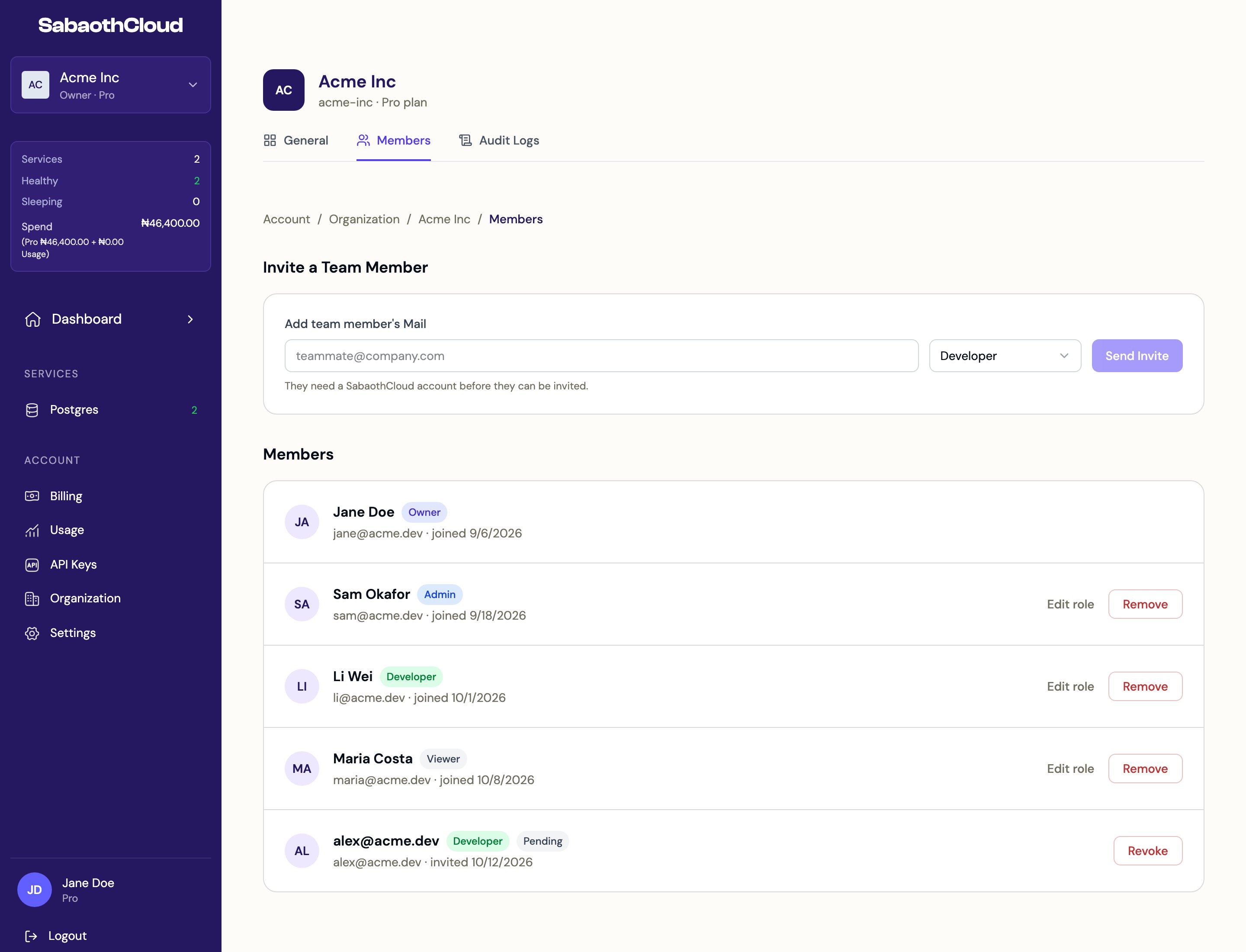
Go to Organization in the sidebar and open the Members tab.
The Members tab with the invite form and a list of members and their roles
Personal organizations can’t have other members. To work with a team, create an organization and invite people to it.

Roles

Each organization has exactly one Owner. To hand over the Owner role, see Transfer ownership.

Invite a member

Owners and Admins can invite people.
  1. Under Invite a Team Member, enter the person’s email address.
  2. Choose a role: Viewer, Developer or Admin. Developer is selected by default.
  3. Click Send Invite.
The person must already have a SabaothCloud account. They appear in the list as Pending until they accept. You can’t give someone a role higher than your own.

Change a member’s role

Click Edit role next to the member, choose the new role and save.

Remove a member or revoke an invitation

Click Remove next to a member, or Revoke next to a pending invitation, then confirm. The person loses access to the organization’s services straight away.

Leave the organization

To remove yourself, see Leave an organization.