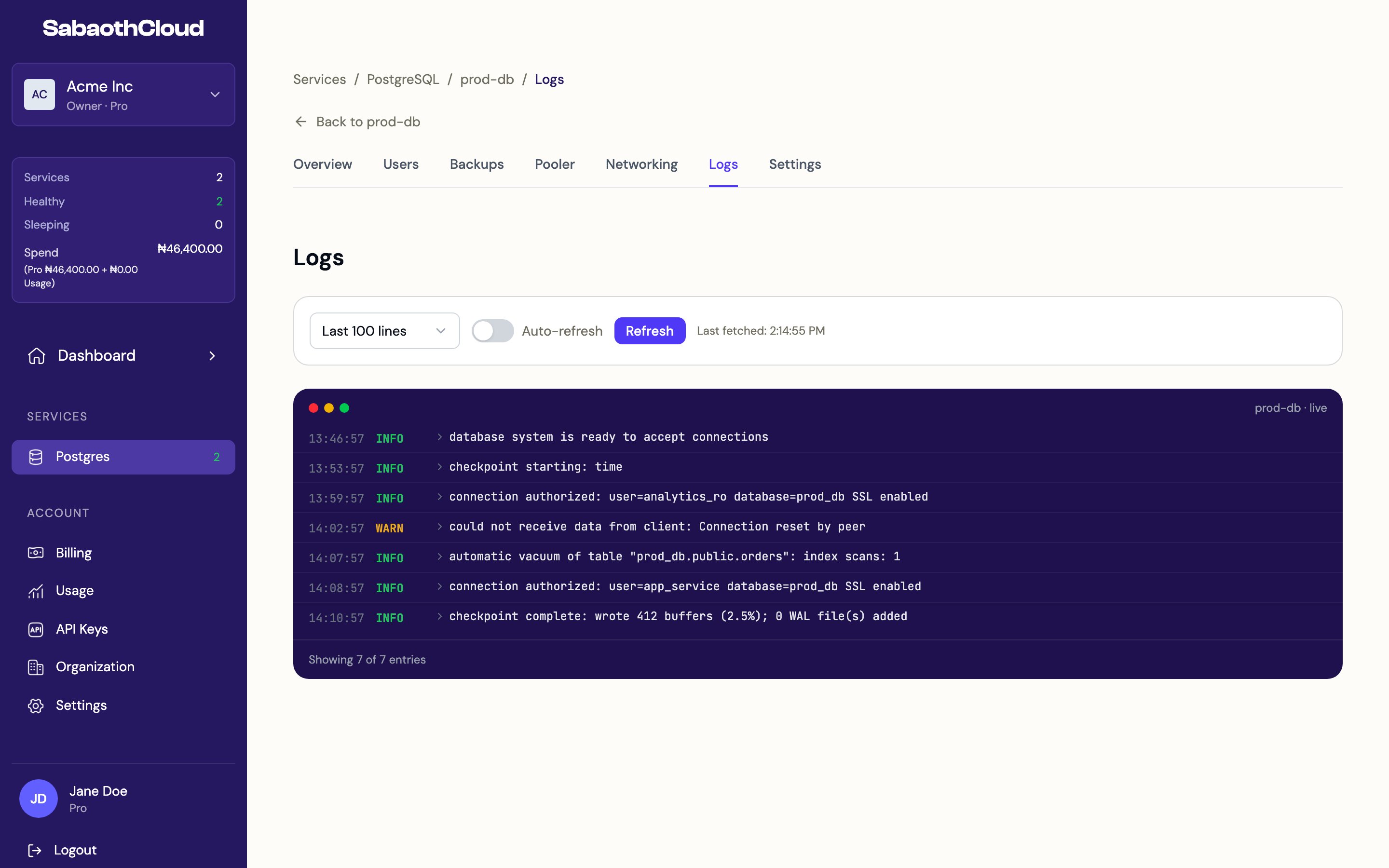
Reading logs
Each entry shows the time, the level and the message. Warnings and errors are highlighted. Click an entry to expand it and see its details. Routine health-check entries are hidden so the entries that matter are easier to find. Click Show health checks in the log view to include them.Controls
The time of the last update is shown next to the controls.
Recent logs on the overview
The service’s Overview tab shows the most recent entries in Recent Logs. Click View all logs to open this page.Logs appear once a service has started. A service that is still Provisioning may not have any logs yet.
Related
- Audit logs record who did what in your organization, such as creating services or accessing credentials.
- Usage shows resource usage against your plan.