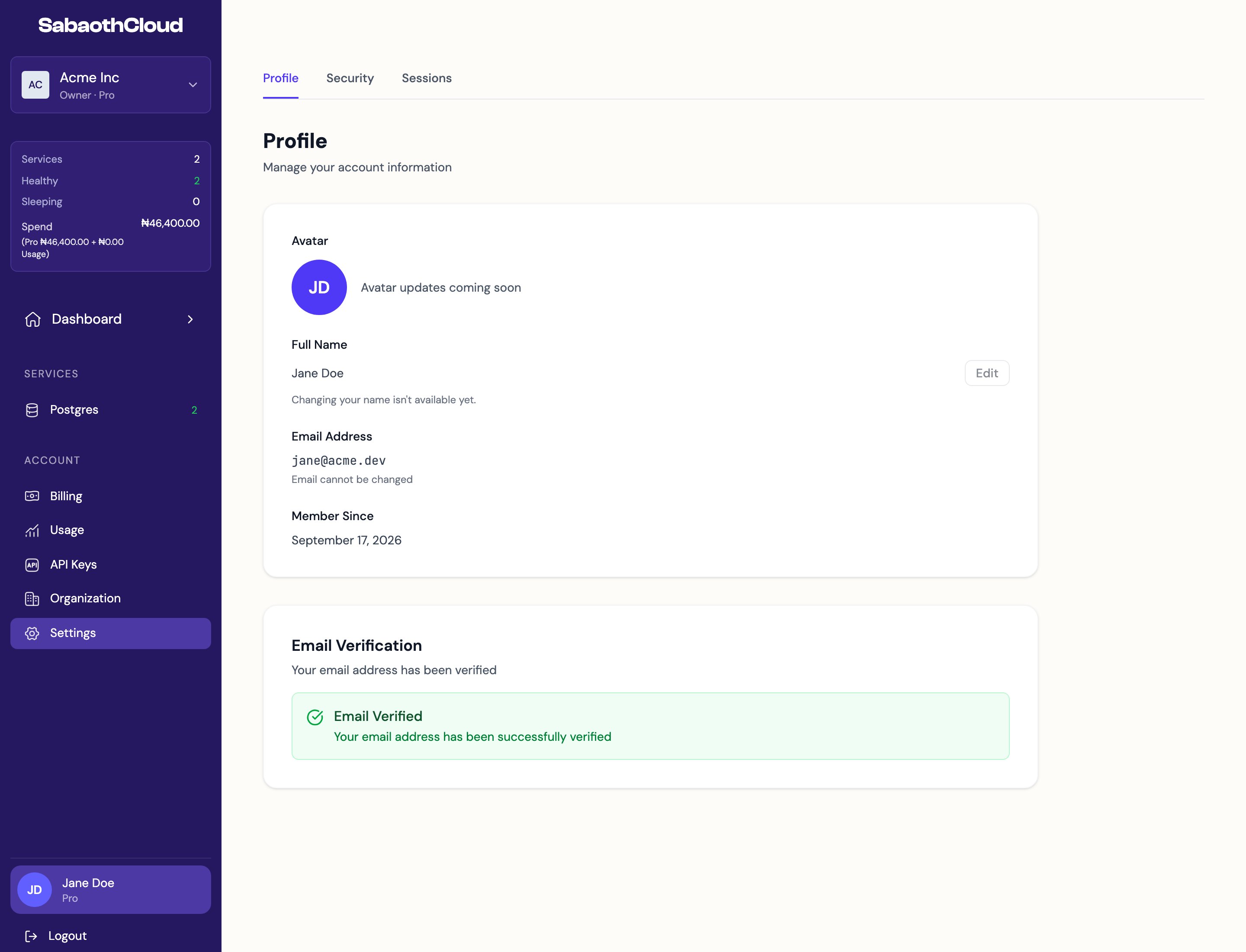
Profile
Security
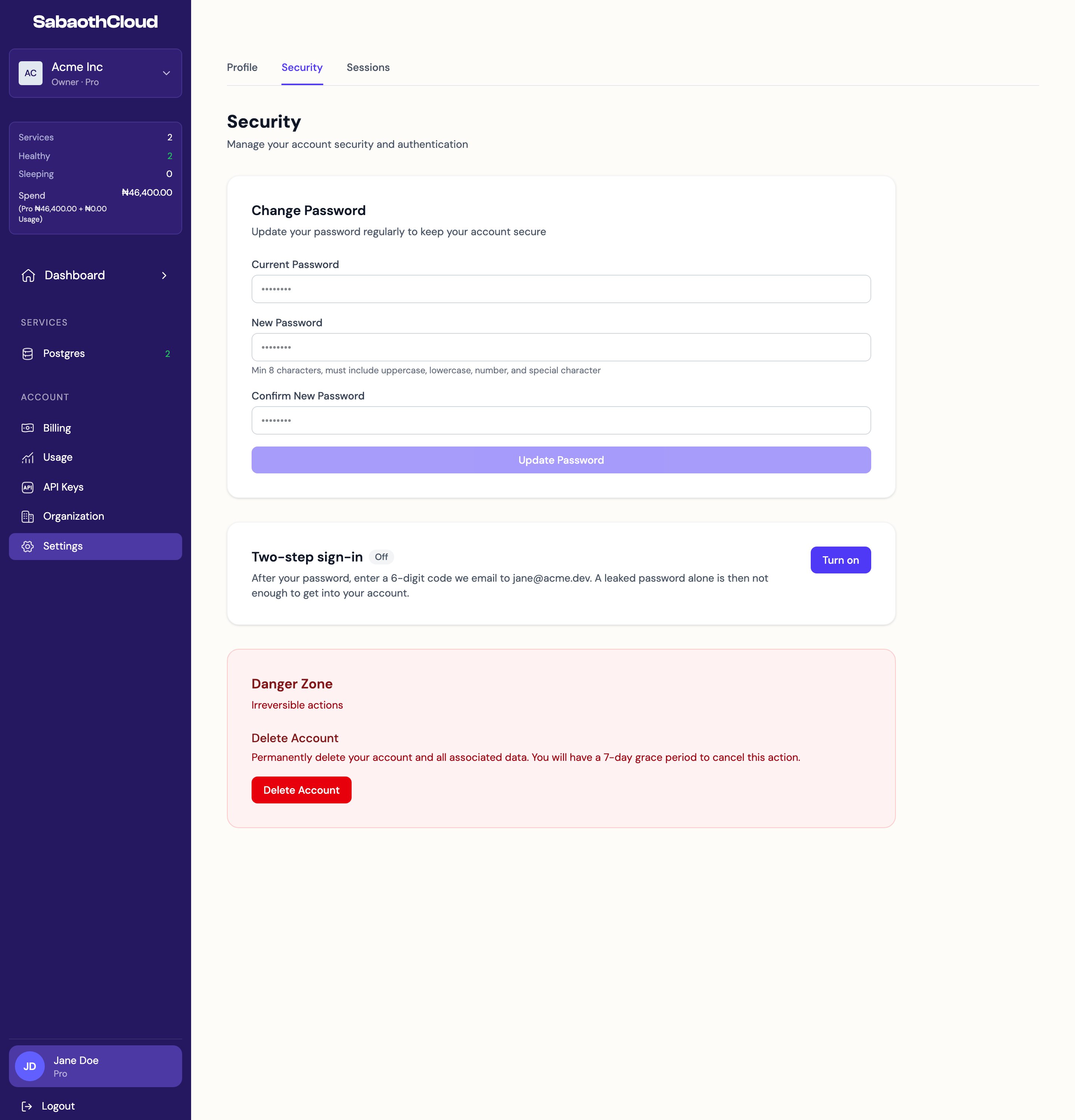
Change your password
- Enter your Current Password.
- Enter a New Password and confirm it. It must be at least 8 characters and include an uppercase letter, a lowercase letter, a number and a special character.
- Click Update Password.
Two-step sign-in
When two-step sign-in is on, you enter a 6-digit code sent to your email each time you sign in with your password.- To turn it on, click Turn on, confirm your password, click Send code and enter the code from your email.
- To turn it off, click Turn off and confirm your password.
Delete your account
- Under Danger Zone, click Delete Account.
- Confirm with your password.
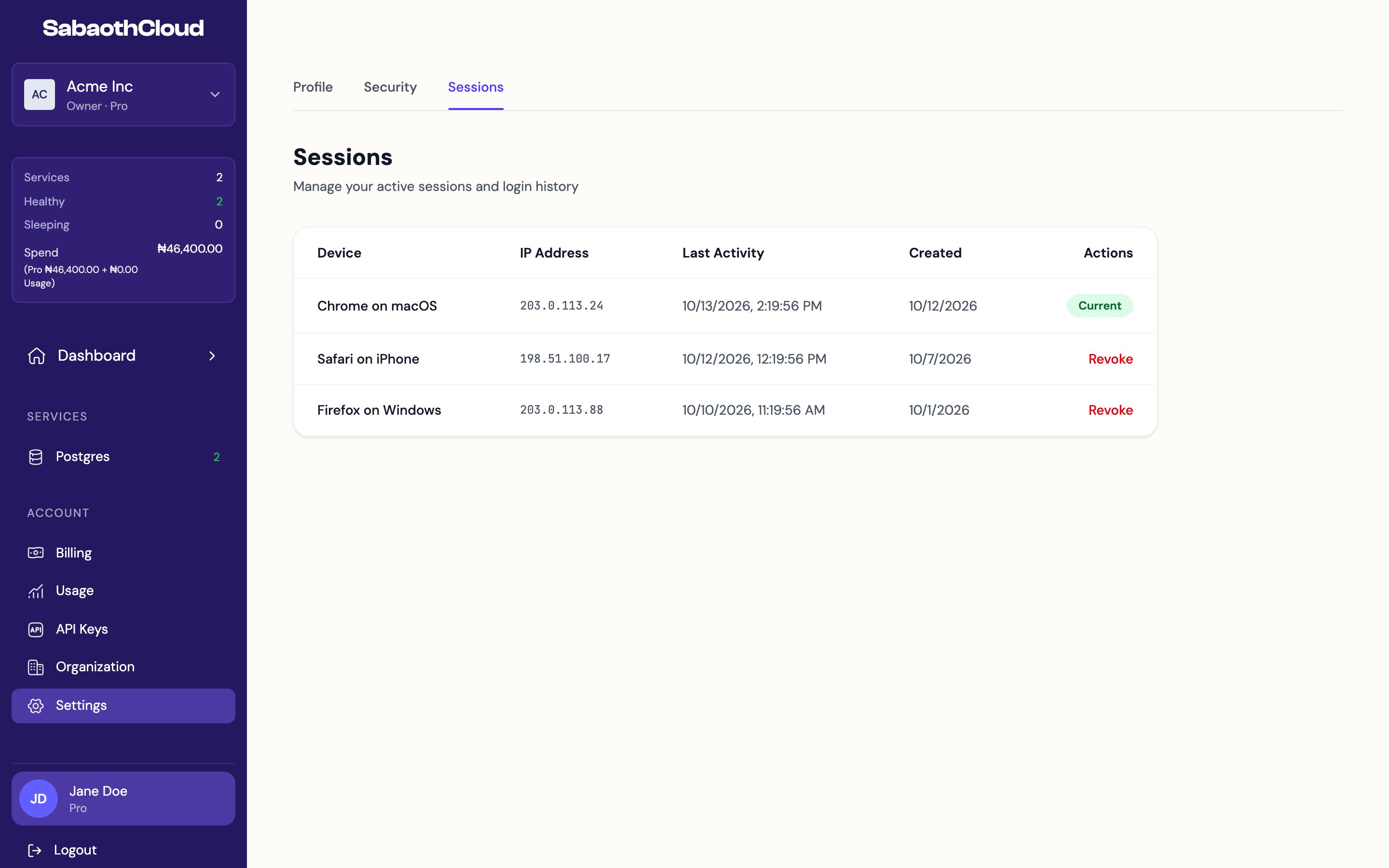
Sessions