> ## Documentation Index
> Fetch the complete documentation index at: https://docs.sabaothcloud.com/llms.txt
> Use this file to discover all available pages before exploring further.
# Introduction
> Managed PostgreSQL services you can create, connect to and operate from one dashboard
SabaothCloud runs managed PostgreSQL for you. You create a service in a couple of minutes, connect your application, and the platform handles provisioning, backups, point-in-time recovery, connection pooling and upgrades to the resources behind it.
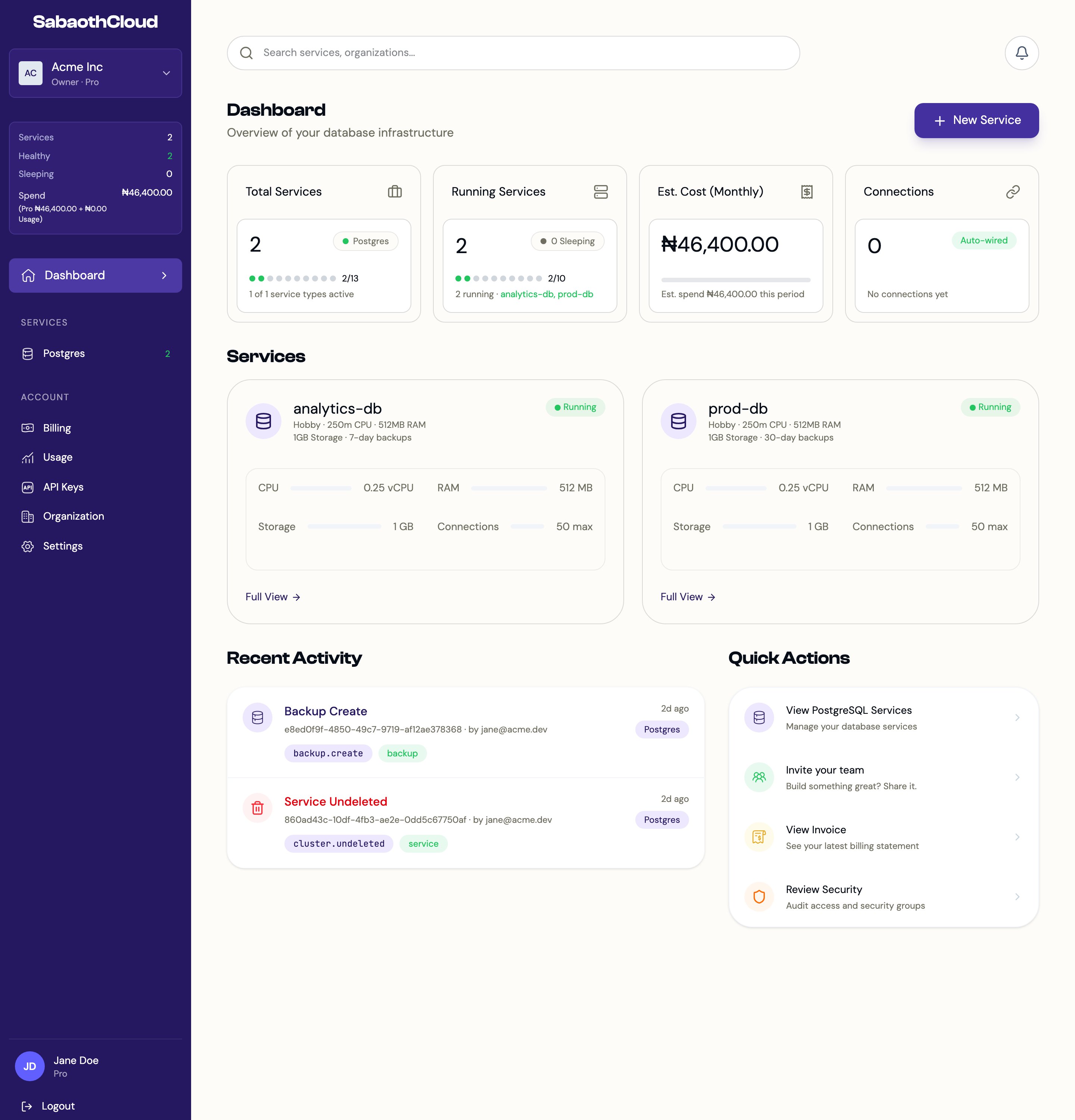 ## What you can do
Pick a size, a PostgreSQL version and backup settings, then create the service.
Copy connection details, expose a service to the internet and limit access with an IP allowlist.
Daily automated backups, on-demand backups and point-in-time restore into a new service.
Invite teammates to an organization and give each one the right role.
## Key concepts
| Term | Meaning |
| - | - |
| **Organization** | The workspace that owns your services, members, billing and API keys. Every account starts with a personal organization. |
| **Service** | A managed PostgreSQL instance. Each service has its own resources, users, backups and connection details. |
| **Plan** | The subscription on an organization. It sets how many services you can run and the CPU, memory and storage they can use. |
| **Role** | What a member can do in an organization: Owner, Admin, Developer or Viewer. |
| **API key** | A credential for calling the SabaothCloud API from scripts and CI pipelines. |
## Where to start
Sign up and verify your email address. See [Signing up and signing in](/authentication).
Follow the [Quickstart](/quickstart) to create and connect to a PostgreSQL service.
Add teammates from the [Members](/dashboard/members) page.
This documentation is built and hosted on [Mintlify](https://mintlify.com), a developer documentation platform.
## What you can do
Pick a size, a PostgreSQL version and backup settings, then create the service.
Copy connection details, expose a service to the internet and limit access with an IP allowlist.
Daily automated backups, on-demand backups and point-in-time restore into a new service.
Invite teammates to an organization and give each one the right role.
## Key concepts
| Term | Meaning |
| - | - |
| **Organization** | The workspace that owns your services, members, billing and API keys. Every account starts with a personal organization. |
| **Service** | A managed PostgreSQL instance. Each service has its own resources, users, backups and connection details. |
| **Plan** | The subscription on an organization. It sets how many services you can run and the CPU, memory and storage they can use. |
| **Role** | What a member can do in an organization: Owner, Admin, Developer or Viewer. |
| **API key** | A credential for calling the SabaothCloud API from scripts and CI pipelines. |
## Where to start
Sign up and verify your email address. See [Signing up and signing in](/authentication).
Follow the [Quickstart](/quickstart) to create and connect to a PostgreSQL service.
Add teammates from the [Members](/dashboard/members) page.
This documentation is built and hosted on [Mintlify](https://mintlify.com), a developer documentation platform.